Last updated: September 2026. Written by a travel visa consultant with 5+ years of experience in East African immigration procedures.
If your Rwanda eVisa upload failed, it is due to files exceeding the 2 MB document or 500 KB photo limit, using unsupported formats like HEIC, or incorrect photo dimensions. After helping over 200 travellers correct their upload errors, the most overlooked issue is the HEIC format on iPhones. This guide explains how to compress files, convert formats, and resolve browser issues to complete your 2026 application successfully.
Rwanda eVisa upload failed? The most common causes are files exceeding the 2 MB document or 500 KB photo limit, unsupported formats (use JPEG or PNG, not HEIC), incorrect photo dimensions (minimum 600 x 600 px), and browser compatibility issues. Compress files with TinyPNG, switch to Chrome, and clear your cache before retrying the upload.
Upload failures on the Rwanda eVisa portal occur at Step 2 of the application process and block the entire four-step workflow.
Rwanda eVisa Application Steps and File Size Limits
A Rwanda eVisa upload failed error blocks Step 2 if documents exceed 2 MB or photos exceed 500 KB. The application follows a four-step process:
Choose Visa Type
Select the appropriate visa category
Complete Application
Fill form + upload documents
Make Payment
Bank transfer or online transfer
Receive eVisa via email
Delivered after processing
A Rwanda eVisa upload failed notification at Step 2 blocks both payment and eVisa delivery. Each visa type – Holiday (30 days), Family Visit, Conference and Meeting, Medical Treatment, Transit (72 hours), or East African Tourist (90 days, multiple entries) – requires the same core documents at this stage:
- Passport scan (PDF, valid 6+ months from entry date, MRZ visible)
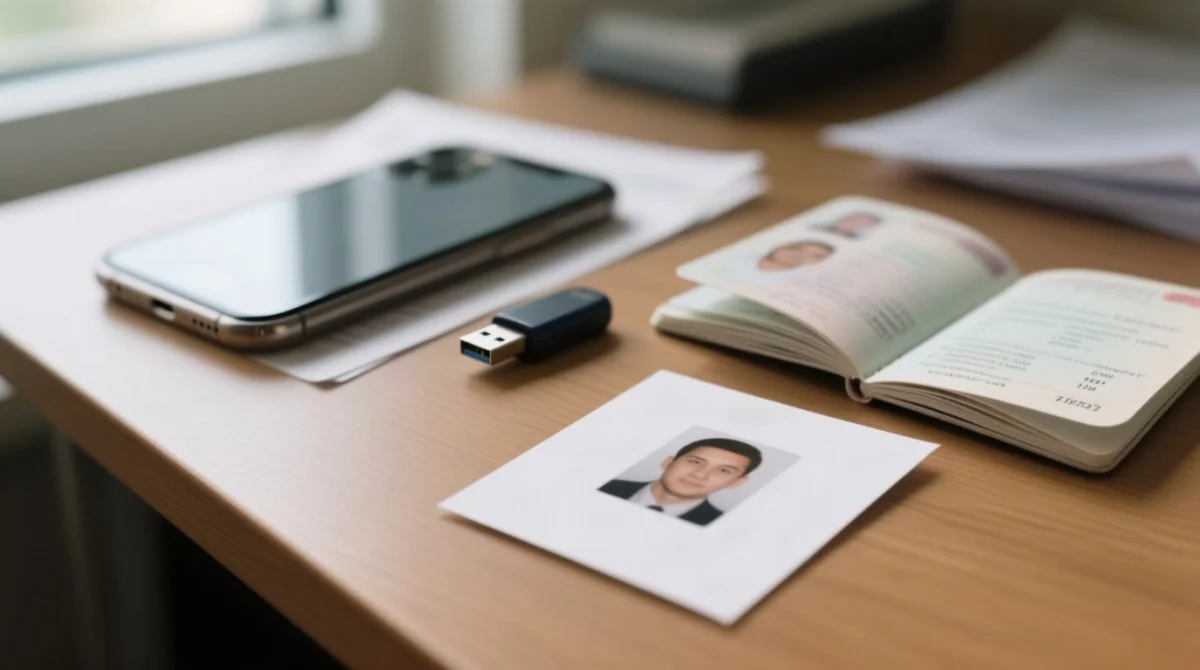
- Digital passport photo (JPEG or PNG, plain white background)
- Travel itinerary
- Proof of accommodation
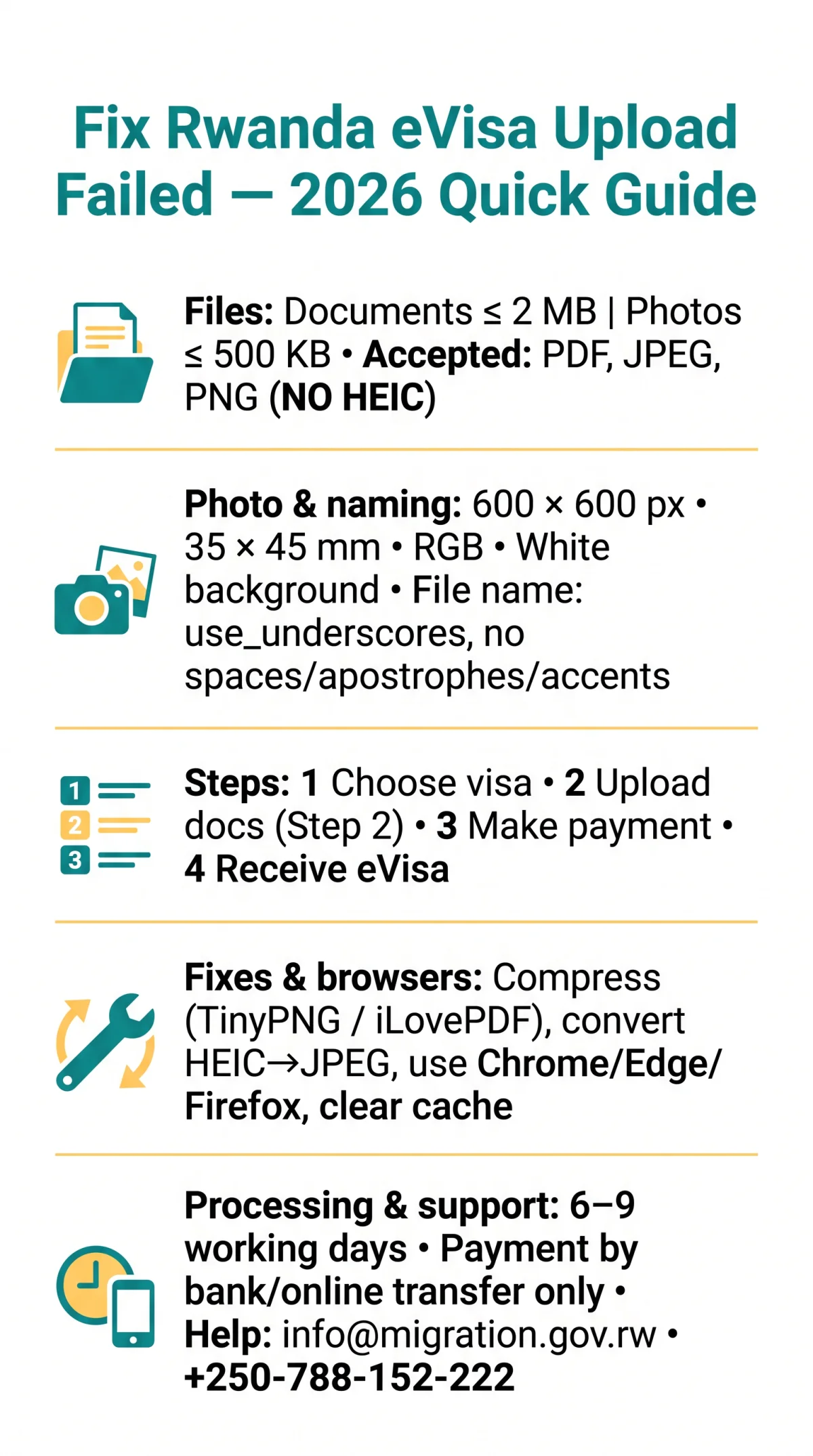
Processing takes 6 to 9 working days after successful upload; the eVisa is delivered via email. Payment is by bank transfer or online transfer only (no cash, cheques, or postal orders). A 100% service fee refund applies if the visa is rejected due to service error. Visa extensions must be applied for before the current visa expires; DGIE processes all extensions. A typical smartphone photo (3-5 MB) exceeds the 500 KB limit. Compress it using TinyPNG (JPEG/PNG) or iLovePDF (PDF) before retrying the upload.
Accepted File Formats, Photo Dimensions & Naming Rules
The Rwanda eVisa portal accepts only PDF, JPEG, and PNG files. Formats such as HEIC, TIFF, BMP, WEBP, and SVG are silently rejected with no explicit error message.
| Document Type | Accepted Format | Max File Size | Min Resolution | Aspect Ratio | Colour Mode |
|---|---|---|---|---|---|
| Passport scan | ≤ 2 MB | 300 DPI | Full page visible | Full colour | |
| Passport photo | JPEG, PNG | ≤ 500 KB | 600 x 600 px | 35 x 45 mm | sRGB, white background |
| Supporting documents | PDF, JPEG, PNG | ≤ 2 MB | 150 DPI | N/A | Full colour |
iPhone users must convert HEIC to JPEG. For future photos, change Settings > Camera > Formats to “Most Compatible”. For existing photos, use Preview (Mac) or a free online converter.
File names must contain no spaces, apostrophes, or accents – use underscores only (e.g., Passport_Scan_YourName.pdf). Incorrect file names cause a Rwanda eVisa upload failed error, even if file size and format are correct.
According to the DGIE guidelines at migration.gov.rw, the maximum photo file size is 500 KB as of 2026. Scanning quality: 300 DPI minimum, full colour, no glare on the MRZ code, full page visible with no cropping.
Decoding Upload Error Messages & Browser Compatibility
The table below maps each Rwanda eVisa upload failed error to its cause and fix.
| Error Message | Cause | Fix |
|---|---|---|
| File too large | Exceeds 2 MB (docs) or 500 KB (photos) | Compress file |
| Unsupported format | File is HEIC, TIFF, BMP, WEBP, or SVG | Convert to JPEG or PDF |
| Quality check failed | Blurry photo, shadows, or wrong background | Retake at 600×600 px, white background |
| Session expired | Inactivity beyond 15-20 minutes | Log back in; re-upload |
| Invalid file token | Server-side session mismatch after idle page | Clear cache; log in fresh |
The portal works best on Chrome, Edge, or Firefox (latest versions). Safari and Internet Explorer are not fully supported. Disable ad-blockers before uploading. If using Safari, switch to Chrome and clear your cache to resolve most Rwanda eVisa upload failed errors.
Contacting Support for Persistent Upload Failures
If your Rwanda eVisa upload failed persists after applying every fix above, follow these escalation steps from the UK.
Retry the upload
Up to 3 times after correcting file size, format, and browser settings
Contact DGIE
Email [email protected] or call +250-788-152-222
Contact Rwandan High Commission London
If no reply within 48 hours: [email protected] or +44 (0)207 224 9832
Attach a screenshot of the exact Rwanda eVisa upload failed error message and your application reference number to every support email. The IremboGov Support Portal is a knowledge base for the Upgraded IremboGov portal, including immigration services. You can also consult the Rwandan High Commission London website for further guidance.
This is an unofficial guide for tourist information purposes. Always verify requirements on the Rwanda eVisa portal before applying.
FAQ
Why does my Rwanda eVisa upload keep failing?
The most common causes of a Rwanda eVisa upload failed are files >2 MB (documents) / >500 KB (photos), HEIC format, or wrong dimensions (<600 x 600 px). Use the fixes above.
What is the maximum file size for Rwanda eVisa uploads in 2026?
Supporting documents (passport scan, itinerary, accommodation) must be under 2 MB (PDF). Passport photos under 500 KB (JPEG/PNG). Use TinyPNG or iLovePDF to avoid a Rwanda eVisa upload failed.
What photo formats does the Rwanda eVisa portal accept?
JPEG (.jpg) and PNG (.png) only. HEIC, TIFF, BMP, WEBP, and SVG are rejected. iPhone users should convert HEIC to JPEG before uploading.
What are the passport photo dimensions for the Rwanda eVisa?
Minimum 600 x 600 pixels, 35 x 45 mm aspect ratio, 300 DPI, full colour in sRGB, plain white background with no shadows.
Why does the portal say “quality check failed” on my photo?
Your photo may be blurry, have shadows, a non-white background, or incorrect pixel dimensions below 600 x 600 px. Retake following the specifications to fix the Rwanda eVisa upload failed.
Can I upload documents from my phone to the Rwanda eVisa portal?
Yes, but mobile uploads are less reliable due to session timeouts and larger camera file sizes. Transfer files to a desktop and use Chrome or Edge.
What should I do if my session expires while uploading?
Log back in immediately; some progress may persist. If data is lost, re-upload all documents. Keep the tab active and use stable Wi-Fi to prevent a Rwanda eVisa upload failed.
How do I contact Rwanda immigration if my upload keeps failing?
Contact DGIE ([email protected], +250-788-152-222) or RHC London ([email protected], +44 (0)207 224 9832). Attach a screenshot of the Rwanda eVisa upload failed.
What is the processing time for the Rwanda eVisa after a successful upload?
Standard processing is 6 to 9 working days. Apply at least 10 days before travel.