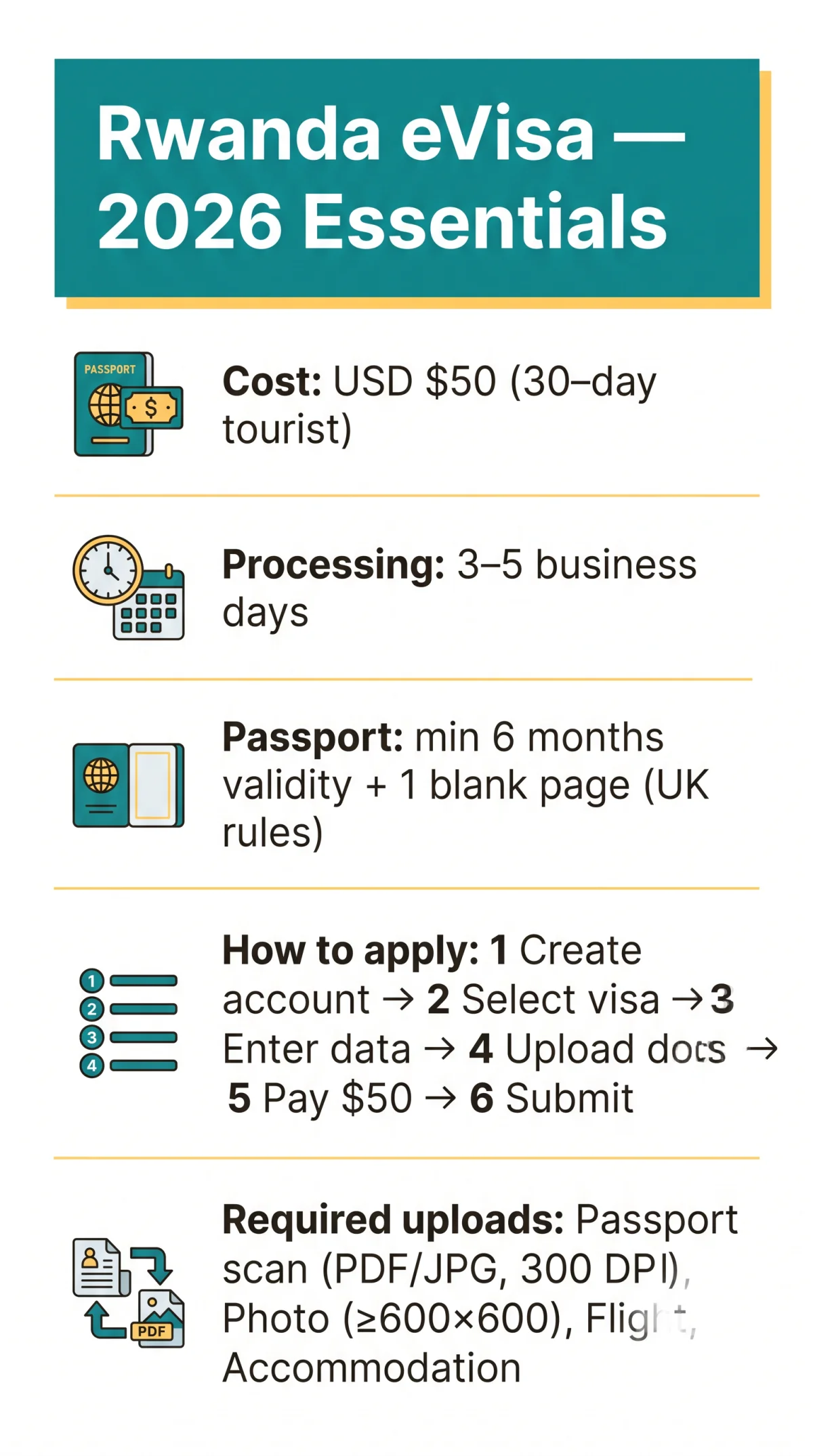
The Rwanda eVisa application form PDF is available for download from the Rwandan High Commission website for offline preparation, but all submissions must go through the IremboGov portal. The standard 30-day tourist eVisa costs USD $50 and processes in 3-5 business days. UK passport holders need 6 months validity.
Last reviewed 12 September 2026 against current IremboGov guidelines. Visa rules can change without notice – always verify on the IremboGov portal before submitting.
Rwanda eVisa application form PDF – how to download and use it in 2026: Download the form from the Rwandan High Commission website or prepare answers via the PDF before applying online at IremboGov. The PDF is a reference tool – all submissions must be made digitally. The standard tourist eVisa costs USD $50 and is typically processed within 3-5 business days.
Rwanda eVisa Types & UK Eligibility (2026)
The Rwanda eVisa application form PDF covers twelve visa categories for 2026. UK passport holders must hold a passport valid for a minimum of 6 months from the date of entry with at least 1 blank page.
- T1 Tourist
- T2 Tourist
- T3 Family
- T4 Visiting diplomat
- T5 Job search
- T6 Conference
- T7 Business
- T8 Medical treatment
- T9 Group tourist
- T10 Itinerant business person
- T11 Bridging
- T12 East Africa tourist visa
The eVisa is the preferred option for UK tourists, providing pre-travel approval certainty and shorter immigration queues at the border.
Download the Rwanda eVisa Application Form PDF & Apply Online
The Rwanda eVisa application form PDF is available for download from rwandainuk.gov.rw for offline preparation, but all applications must be submitted digitally via IremboGov.
Go to rwandainuk.gov.rw → “Visa Application” → “DOWNLOAD VISA APPLICATION FORM”. The PDF prepares your answers offline but does not replace the online submission.
Create an account at irembo.gov.rw
irembo.gov.rw
Select your visa category
Navigate to Immigration & Emigration → Visa Application and select your visa category (tourist T1/T2, business T7, etc.)
Enter all personal, passport, and travel data
Provide all required personal, passport, and travel information as prompted.
Upload required documents
Upload required documents in accepted file formats.
Pay the USD $50 fee
Pay the USD $50 fee for a 30-day single-entry tourist eVisa.
Submit and await approval
Submit and await your PDF approval letter by email.
Field-by-Field Instructions for the Rwanda eVisa Application Form
The form consists of six main sections. Begin with personal data (name, DOB, gender), then enter passport info (number, issue/expiry date), followed by your travel itinerary (port of entry: Kigali Airport/Gatuna/Cyanika), Rwandan accommodation details, a health declaration regarding your yellow fever vaccination status, and finally your digital signature.
Personal & Passport Fields
Enter your family name and given name(s) exactly as printed on your passport bio-page, including any middle name. Add date of birth, gender, nationality, country of birth, and marital status. Provide your current residential address, phone number, and email address. The approval letter is sent to this email, so verify every character. For passport details, enter the passport number, issue date, expiry date, and country of issue. Select passport type: ordinary, diplomatic, or official. Passport validity must be at least 6 months from your date of entry, with at least one blank page.
Travel, Health & Declaration Fields
Specify your port of entry (e.g., Kigali International Airport or land borders such as Gatuna or Cyanika), intended arrival and departure dates, and purpose of visit. Enter your contact address in Rwanda: hotel name, full address, and phone number. Complete the health declaration fields, including yellow fever vaccination status if arriving from an endemic zone. Confirm the purpose-of-visit declaration matches your selected visa category, then sign by typing your name or uploading a signature image.
Common mistakes: name mismatches with passport, email typos, blank accommodation field, inconsistent travel dates, and purpose/category mismatch.
Required Documents & Upload Specifications
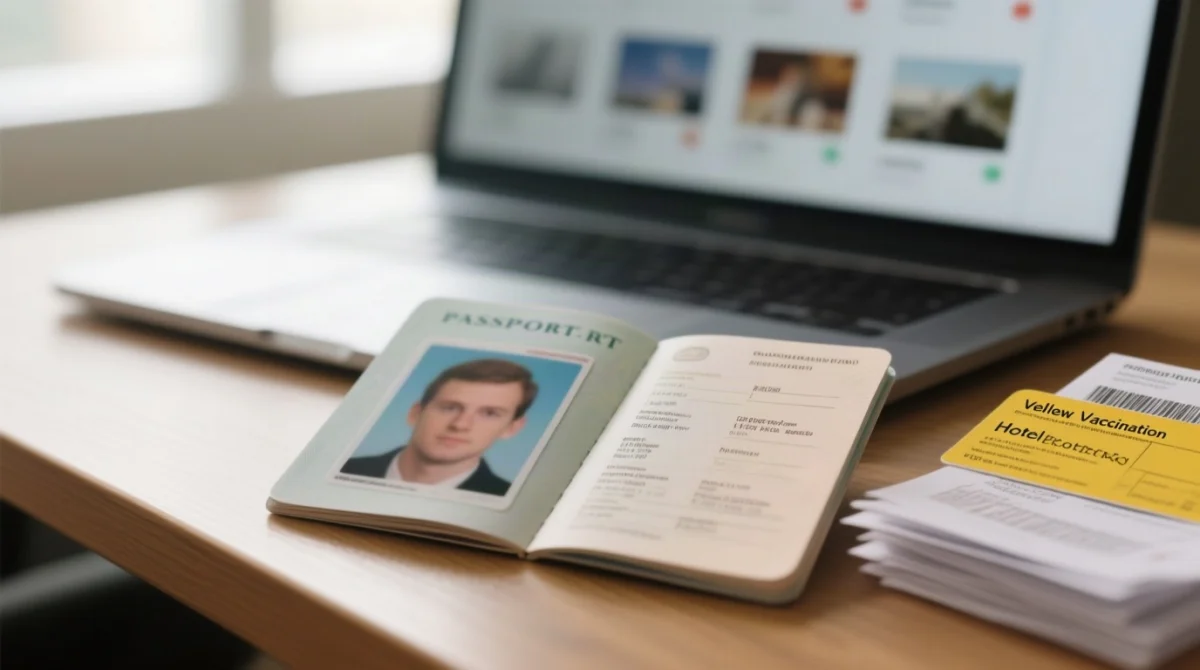
IremboGov requires: passport scan, digital photo, flight itinerary, and accommodation proof – each meeting strict format and size specs. Travel insurance is recommended but not mandatory. A yellow fever vaccination certificate is additionally required when arriving from an endemic zone. For scanning, free apps such as Adobe Scan or Microsoft Lens produce suitable PDF and JPG files at the required resolution.
| Document | Accepted Format | Key Requirements |
|---|---|---|
| Passport bio-page scan | PDF or JPG (colour) | 300 DPI, full page including MRZ zone, no glare or cropping |
| Digital photograph | JPG or PNG | Minimum 600 × 600 px, white or light-grey background, neutral expression |
| Supporting documents (invitation letter, accommodation proof, flight itinerary) | Complete document, legible text |
Individual file size is typically capped at 2 MB per file on IremboGov – verify the current threshold on the portal before uploading. Use free compression tools such as TinyPNG or ILovePDF to reduce oversized scans. The Rwanda eVisa application form PDF lists each upload slot alongside its format constraints, so cross-check every file against the table above before submission.
IremboGov Portal, Fees & Processing Times
Standard 30-day tourist eVisa: USD $50 (~£40), payable by Visa/Mastercard/mobile money on IremboGov; processing 3-5 business days. Expedited processing may be available – verify current options on the IremboGov portal. Submit at least two weeks before travel to account for delays caused by incomplete forms, blurry uploads, or public holidays.
For complex cases or rejections, the Rwanda High Commission in London is available at +44 (0)207 224 9832 and [email protected], operating Monday to Friday from 9:30 AM to 1:00 PM and 2:00 PM to 5:00 PM. For DGIE Kigali assistance regarding the Rwanda eVisa application form PDF, call +250-788-152-222, email [email protected], or reach @Rwandamigration on social media.
eVisa Approval Letter & Common Mistakes to Avoid
Your approved eVisa arrives as a separate PDF via email, typically within 3-5 business days, containing your name, passport number, visa type, validity dates, and a QR code for border scanning.
Print two hard copies before departure, one for your carry-on bag and one for your checked luggage, and store a digital copy on your phone for presentation at Kigali International Airport.
Common Errors That Delay or Reject Your Application
- Passport name mismatch – enter your name exactly as printed on your passport bio-page.
- Blurry or cropped passport scan – use a 300 DPI colour scan showing the full page including the MRZ zone.
- Wrong file format or oversized upload – compress files with ILovePDF or TinyPNG before submitting.
- Using a third-party site – submit only through irembo.gov.rw.
- Not checking spam folder – the approval email may land in junk; add the IremboGov sender to your contacts.
- Leaving the accommodation field blank – enter your hotel name and address even if not yet finalised.
This article is based on information from the Rwanda High Commission in London and the IremboGov portal as of September 2026. We verify key details quarterly. If you spot an error, please contact us.
FAQ
Where can I download the Rwanda eVisa application form PDF for 2026?
You can download the PDF from the Rwandan High Commission website (rwandainuk.gov.rw) or the IremboGov portal. Always download the form from these trusted sources to ensure you have the correct version for your 2026 application.
Can I fill out the Rwanda eVisa application form PDF offline and submit it by email?
No. The PDF is a reference tool only. You must complete and submit all Rwanda eVisa applications digitally through the IremboGov portal. The PDF helps you prepare your answers offline before entering them online.
What file formats are accepted when uploading documents for the Rwanda eVisa?
IremboGov accepts PDF and JPG for passport scans, JPG or PNG for digital photographs, and PDF for supporting documents like invitation letters and accommodation proof. Ensure your passport bio-page scan is in colour.
How long does it take to get a Rwanda eVisa approved in 2026?
Standard processing takes 3-5 business days. Submit your application at least two weeks before your travel date to account for potential delays caused by incomplete forms, blurry uploads, or public holidays.
How much does a Rwanda tourist eVisa cost for UK passport holders?
The standard 30-day single-entry tourist eVisa costs USD $50, which is approximately £40 GBP. Payment is made on the IremboGov portal using international Visa, Mastercard, or mobile money options like M-Pesa and Airtel Money.
What size should my passport photo be for the Rwanda eVisa application?
Your digital photograph must be at least 600 by 600 pixels in JPG or PNG format. Use a white or light grey background with a neutral facial expression. Ensure your eyes are open and you are not wearing sunglasses or hats.
Do I need to print my Rwanda eVisa approval letter for the airport?
A digital copy is accepted, but a hard-copy print is strongly recommended as a backup. Border control will check that your name matches your passport, verify the validity dates, and scan the QR code on the approval letter.
What is the difference between a Rwanda eVisa and a visa on arrival?
An eVisa is applied for online in advance via IremboGov, giving you pre-travel approval certainty. A visa on arrival is processed in person at the airport. Both cost USD $50, but the eVisa is the preferred option for planned trips.
What do I do if my Rwanda eVisa application is rejected?
Review the rejection reason, correct the issue (usually related to document quality or data mismatches), and reapply. For complex cases or further guidance, contact the Rwanda High Commission in London at +44 (0)207 224 9832.